

Book 3: Offer
Why Hydration?
Section titled “Why Hydration?”Everyone drinks water. Most people do not drink enough. They know they should, but they have no system for tracking it. No feedback loop. No awareness of how much (or how little) they actually consume.
According to multiple surveys, around 75% of UK adults are chronically underhydrated. Not dangerously. Just consistently below the recommended intake. Most people know they should drink more water. Almost nobody tracks it.
Compare that with sleep, steps, and calories. There are apps for all of those. Water gets a feature inside a fitness app, never its own dedicated tracker. It is the forgotten metric.
Water also has something the other two products did not: zero stigma. Sleep tracking can feel like admitting you have problems sleeping. Time tracking can feel like surveillance. But water? Nobody has ever felt judged for tracking their water intake. It is universally positive. That makes it the most accessible offer in the three-book series.
What this is not
Section titled “What this is not”This is not a detox app. It is not a cleanse programme. It makes no medical claims whatsoever. It does not tell you how much water you should drink. It does not diagnose dehydration. It is for anyone who wants to understand how much water they actually consume in a day, a week, a month. If you have specific medical concerns about hydration, talk to your GP. The app is a data tool, nothing more.
The Water Tracker Value Equation
Section titled “The Water Tracker Value Equation”Here is how the Water Tracker scores against the Hormozi Value Equation:
Value = (Dream Outcome x Perceived Likelihood) / (Time Delay x Effort & Sacrifice)- Dream Outcome (8/10): Know exactly how much water you drink each day. No guessing. Clarity replaces assumption. The real benefit comes from the habit shift that follows: once you see the numbers, you naturally start drinking more.
- Perceived Likelihood (8/10): Step-by-step guide using Gemini CLI. The simplest product in the three-book series. Fewer edge cases, simpler logic. If you have built either of the previous apps, you know the process.
- Time Delay (1/10): Log your first glass and see the data straight away. No waiting period. The feedback loop is instant. Tap a button, see the count go up.
- Effort & Sacrifice (2/10): Gemini CLI installation takes a few terminal commands. No backend. No cloud accounts. No subscription. The easiest build in the three-week run.
Score: (8 x 8) / (1 x 2) = 64 / 2 = 32.0. The highest score in the series. Week 1 scored 9.3. Week 2 scored 28.0. Week 3 lands at 32.0. The three-week progression shows that the Value Equation is not fixed. Different products hit different levers.
What you will build
Section titled “What you will build”The Water Tracker has four screens:
- Today: Your current count against your daily target. Quick-add buttons for common amounts (250ml glass, 500ml bottle).
- Log: Tap to add, swipe to remove. Each entry records the time and amount.
- History: A calendar view with daily totals. Tap a day to see the breakdown. Streak counter at the top.
- Settings: Set your daily target, choose your preferred unit (ml or glasses), export your data.
Build Your Offer
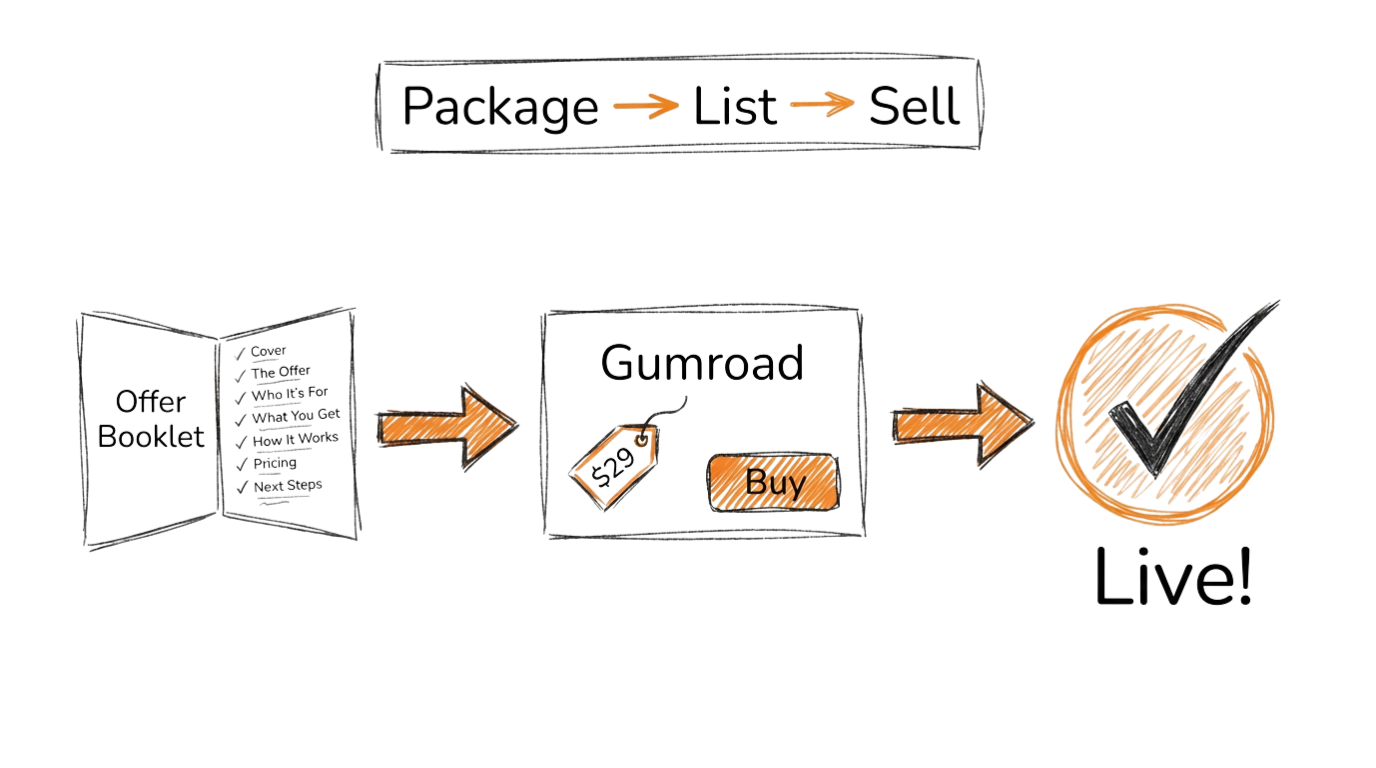
Section titled “Build Your Offer”The full offer guide walks you through generating an offer booklet, converting it to PDF, validating with the Value Equation, setting up a Gumroad page, and finding your first 10 early adopters.
The Offer Guide will use the vault files you created in the previous step. Your Water Tracker-specific content (brand voice, audience profile, offer definition) feeds directly into the offer booklet builder and outreach templates.
What Comes Next
Section titled “What Comes Next”Once you have a validated offer, a live Gumroad page, and (if you did the work) your first paying customers, move on to the Ship page. That page introduces the SpecKit workflow and walks you through building the Water Tracker app with Gemini CLI.